What it reads
What Baro reads from Google Health.
You sign in with your Google account and choose what to share. Baro asks to read three kinds of data: sleep, activity and fitness, and health measurements.
- Sleep stages
- Heart rate
- Resting heart rate
- HRV
- Respiratory rate
- SpO2
- Steps
- Distance
- Workouts
- Zone minutes
- VO2 max
- Weight
Baro only reads. It doesn't write anything back to Google Health.
Your data goes from Google Health to your phone. There are no Baro servers in between.
Phones and devices
Which phones and devices work.
- PhonesiPhone with iOS 18 or later. Android phones with Android 13 or later.
- DevicesAnything that syncs to Google Health. Google lists Fitbit trackers and smartwatches, Fitbit Air, Pixel Watch and Aria scales, which send weight only.
- Not supportedFitbit Ace. Google Health doesn't make data from Ace devices available to other apps.
- Older trackersSimpler devices record less. If yours doesn't record HRV or SpO2, Baro can't show it.
- You needA Google account with data in Google Health.
Scores
What the scores mean.
Each score compares you with your own recent history. Each one shows the data it used and how many nights it had. They are estimates, not a diagnosis.
- ReadinessHow recovered you are today, against your own 30-day baseline. HRV counts most, then sleep, then resting heart rate.
- SleepHours slept against the sleep you need, plus restorative sleep, efficiency, how steady your sleep times are, and overnight sleep stress.
- StrainHow hard the day was on your heart, from your heart rate through the day.
- StressHow far your heart rate sits above your resting level. Time spent moving isn't counted, because heart rate alone can't tell exercise from stress.
- Fitness AgeA cardio-fitness age from your own numbers. It isn't a biological age or a medical result.
Real screens
What it looks like.
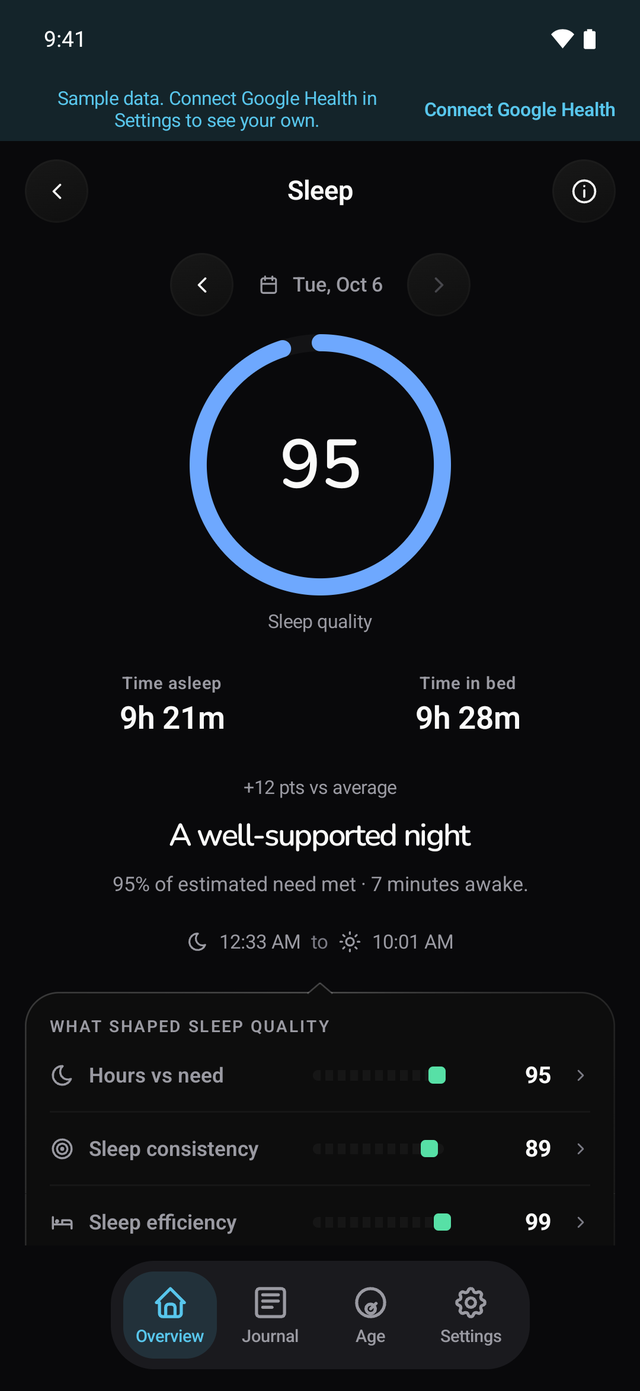
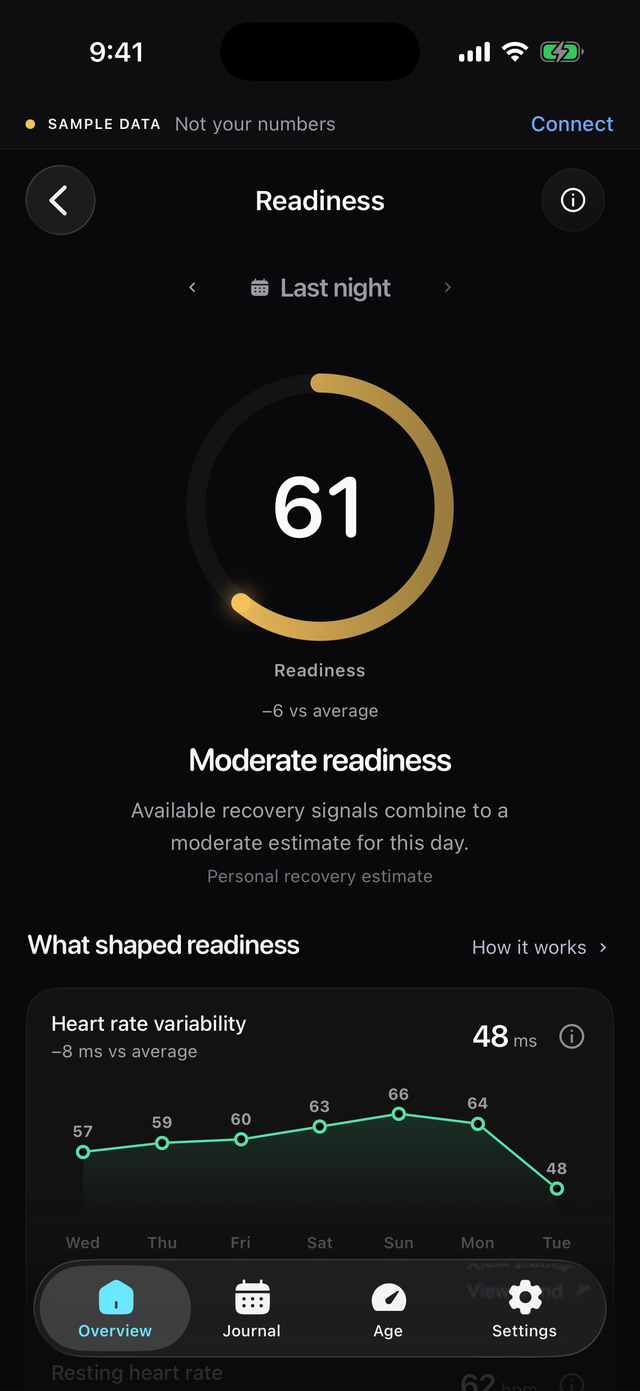
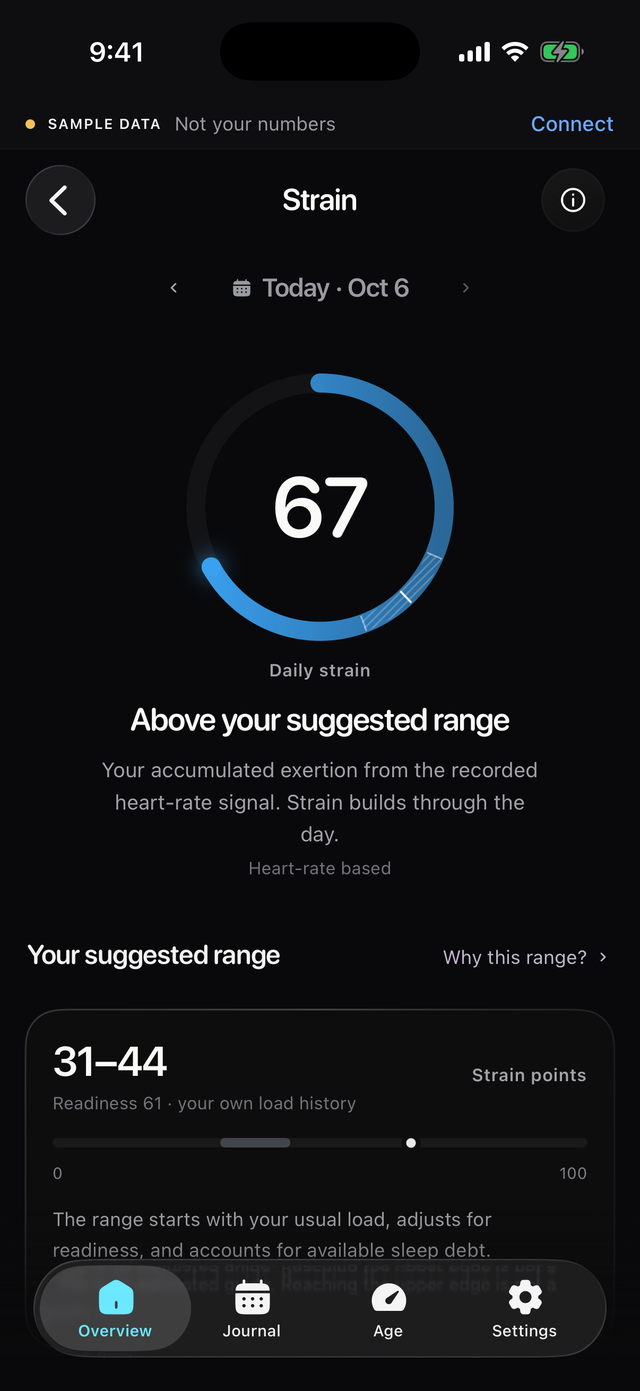
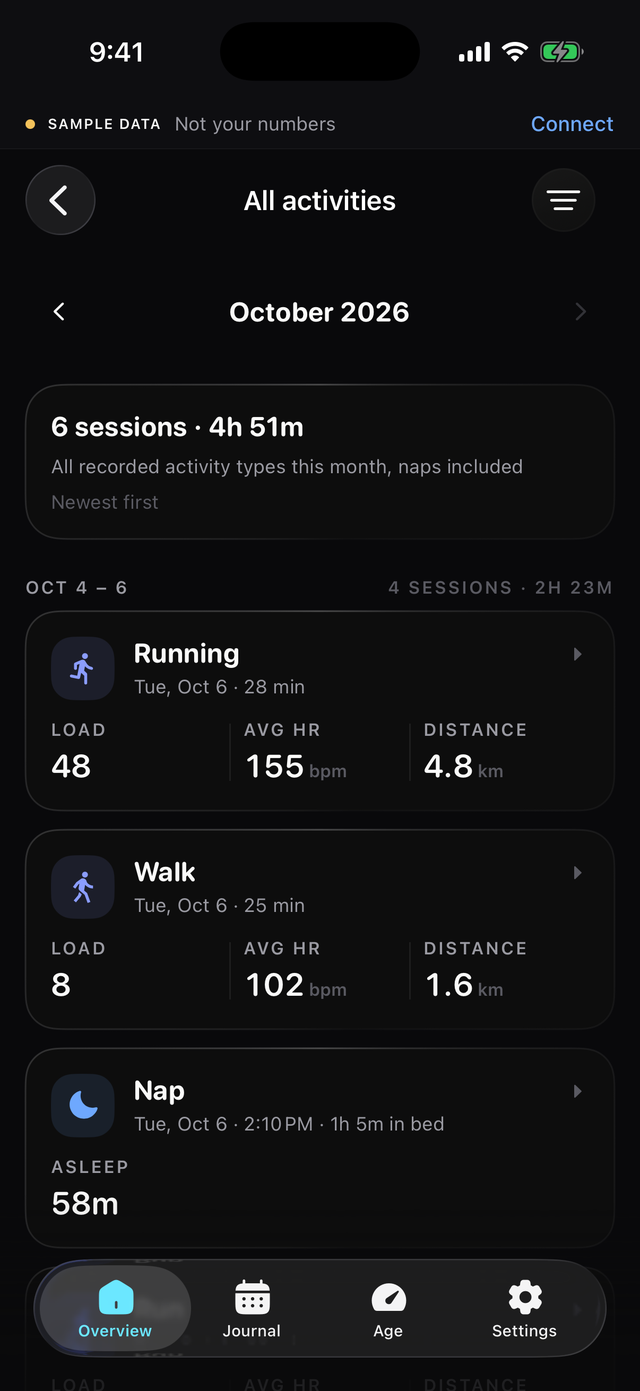
Baro on iPhone and Android, shown with sample data.
Free
Free. Here's how to start.
Baro is free on iPhone and Android. There is no subscription and no in-app purchase.
- Install Baro.From the App Store or Google Play.
- Connect Google Health.Open Baro, tap Connect and sign in with the Google account that has your data.
- Let it sync.Recent days come in first. Older history follows in the background.
Limits
What Baro doesn't do.
- It's a phone app.There's no web or desktop dashboard. Baro runs on your iPhone or Android phone only.
- It only reads Google Health.It doesn't read Apple Health, Health Connect or other wearables directly. If your data isn't in Google Health, Baro can't see it.
- It doesn't track food.To log meals, use the Google Health app or a food app.
- It has no AI coach.There's no chat. Baro shows your numbers and what they mean.
- It isn't a medical device.Scores are estimates for general fitness. They don't diagnose anything.
Comparing apps? See Baro, the Google Health app and Bevel side by side.